
1Practice management · once
Set blood draw hours
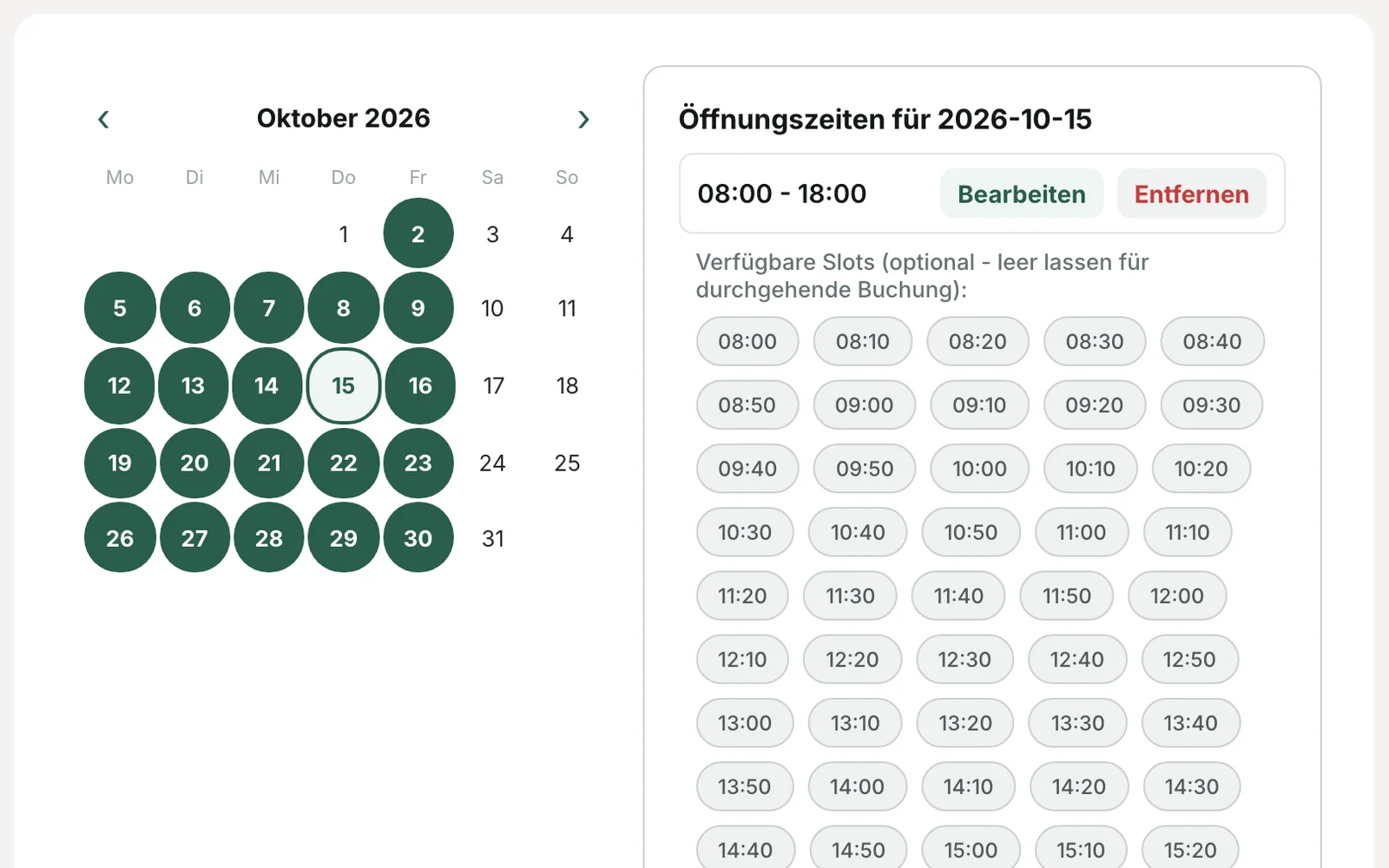
You decide on which days and at what times blood is drawn. Bookings are only possible within these times.
Launch in preparation · register now
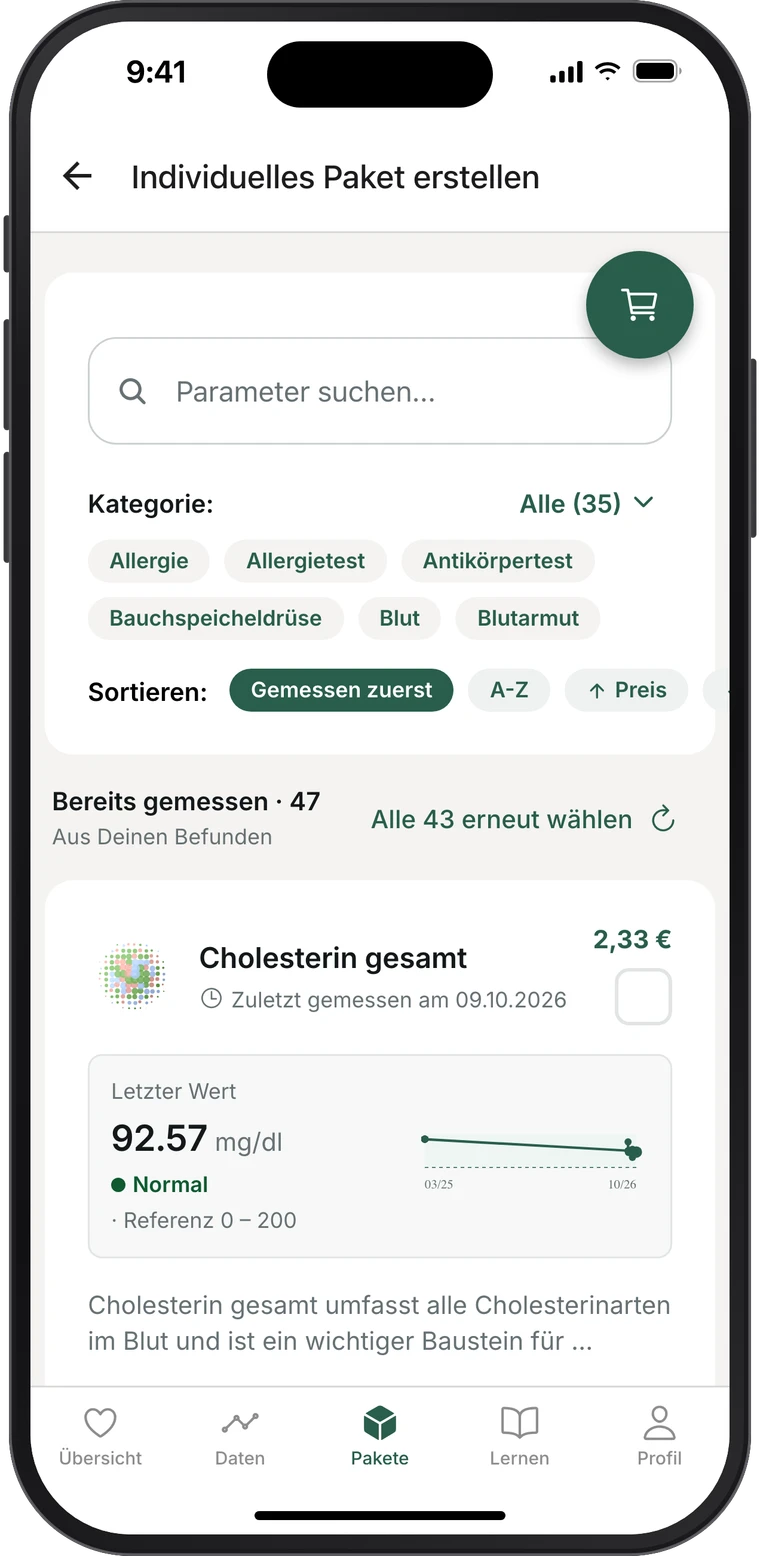
Patients see content and price before booking and pay online. Your team draws the blood at your practice, and payment processing runs via Prevent.
Specialist laboratory for laboratory medicine in Kaiserslautern and member of the LADR laboratory network Dr. Kramer & Kollegen. Samples are analysed and reported by laboratory physicians here.
Everyday practice
Lab results and self-pay services create work that has little to do with medicine itself. This is where we take the load off your team.
Filling in the request form and recording each self-pay service separately.
The appointment already shows which tubes to draw and which tests were booked.
Calls and questions at reception, then finding and printing reports.
Patients request their report in Prevent and receive it digitally and in line with data protection rules once your practice has released it.
Questions about the content and price of a check-up, at reception and in the consulting room.
Patients already know content and price before booking. This leaves time in the consultation for the medical questions.
Writing GOÄ invoices, reconciling payments and following up on outstanding receivables.
Patients pay online when booking. Payment processing runs via Prevent, and invoicing too if you wish.
How it works
You decide on which days and at what times blood is drawn. Bookings are only possible within these times.
Patients choose a package or individual lab values, each with explanation and price. They book an appointment at your practice, pay online and complete the medical history in advance.
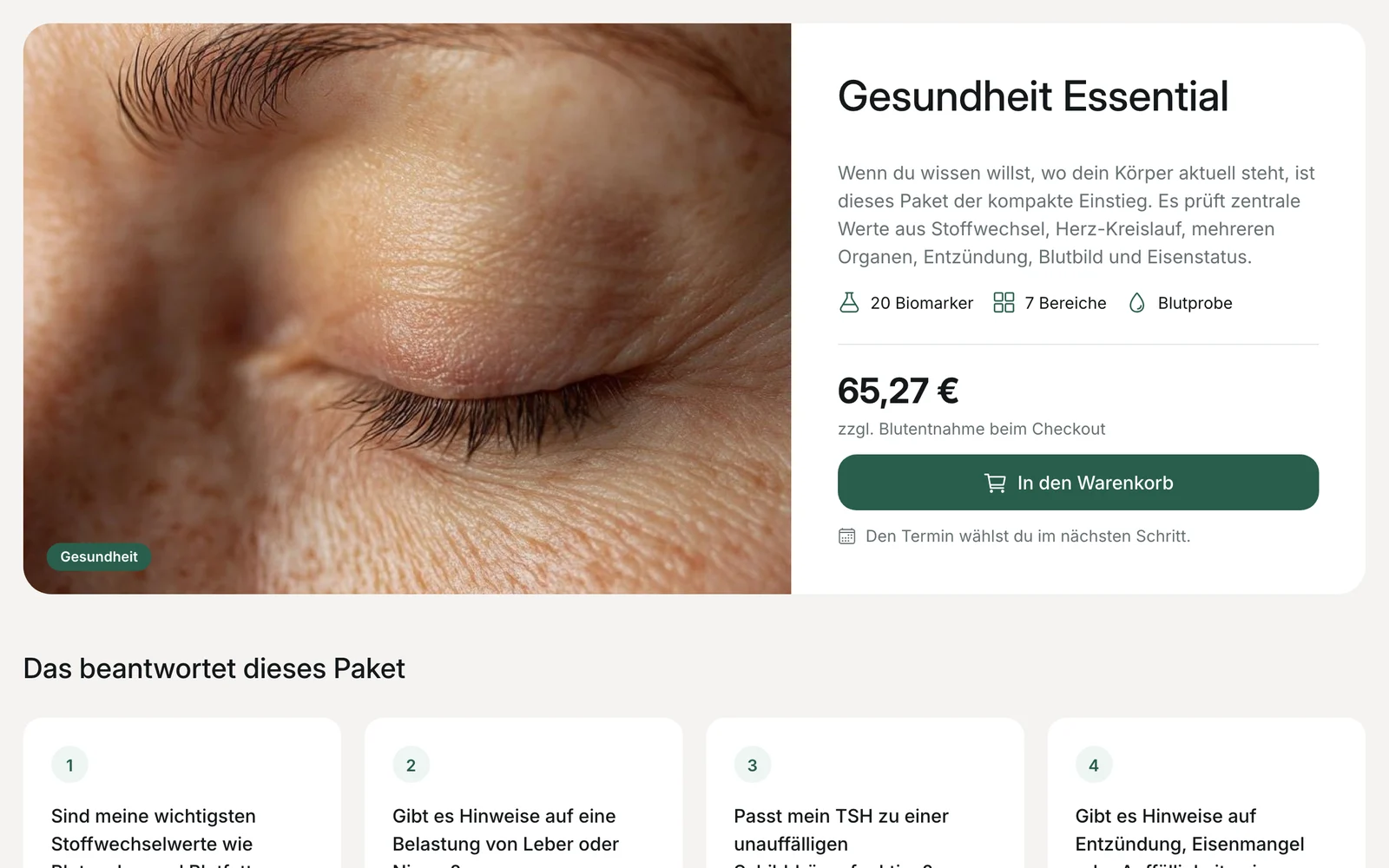
The appointment shows which tubes are needed and which tests were booked. After the draw, you enter the barcode and send the order. The sample goes to the lab as usual.
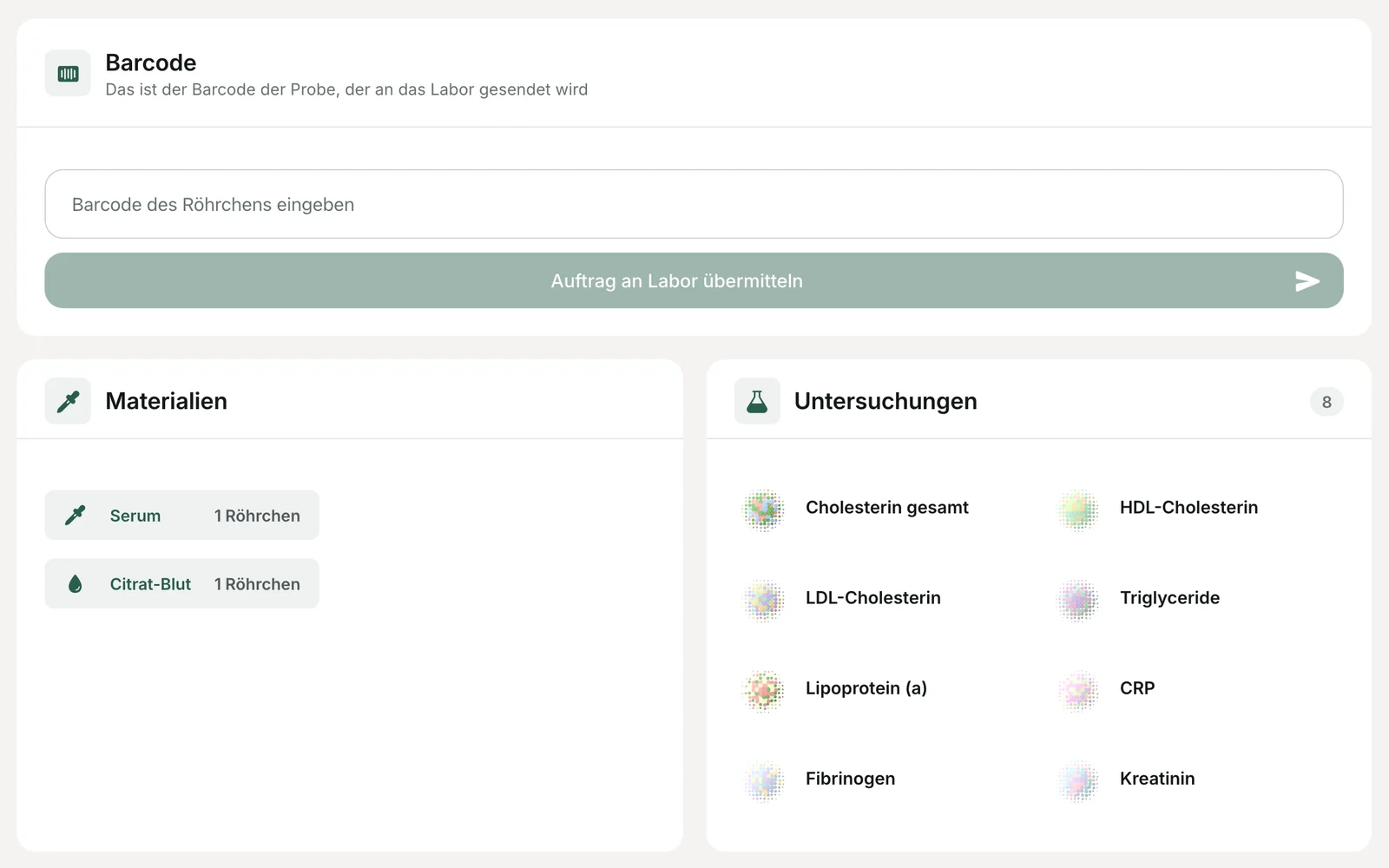
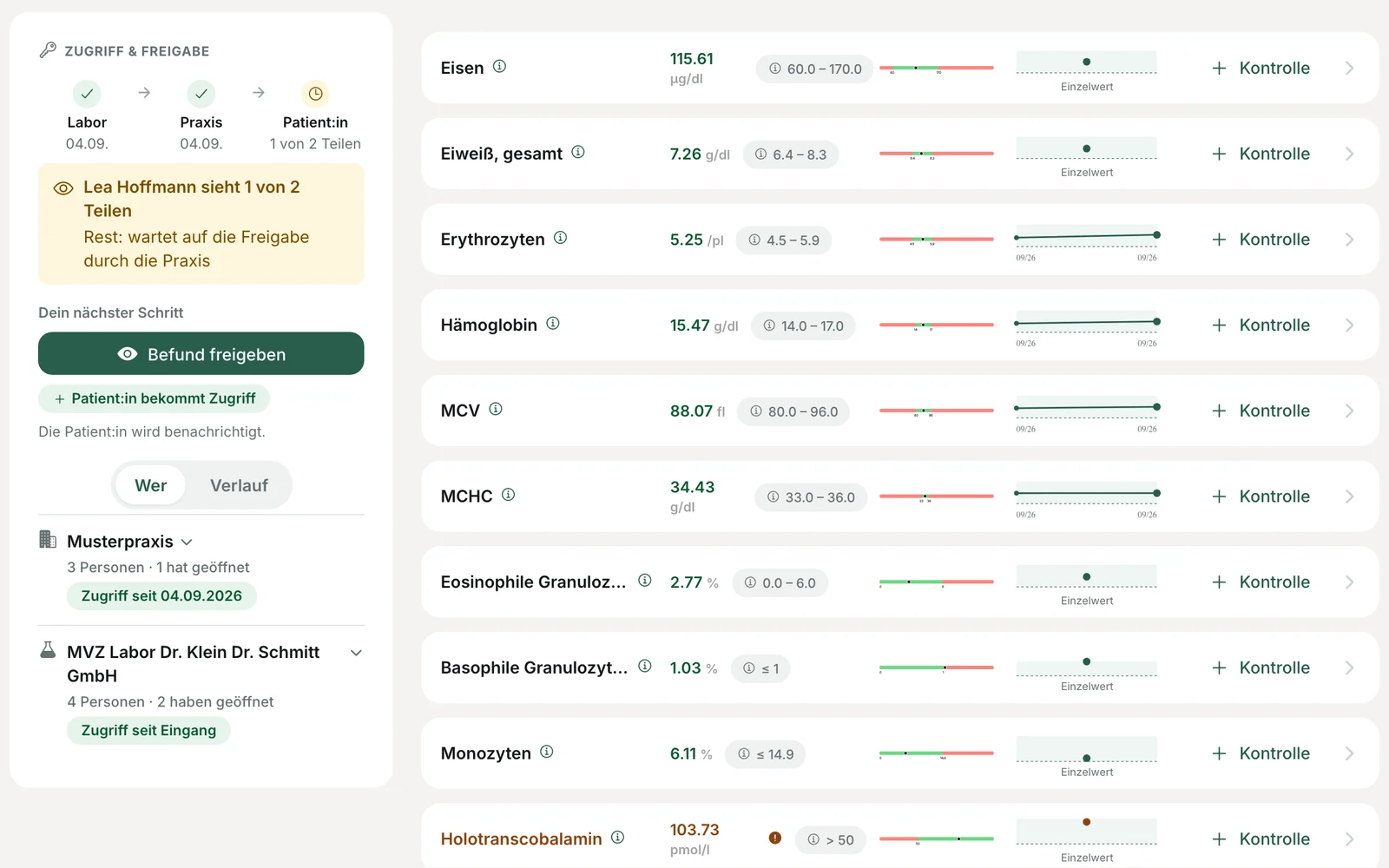
The report appears in your access with reference ranges and history. You release it, with a comment if needed, and the patient then sees it in their Prevent account. Payment processing runs via Prevent. On request, we also take care of GOÄ-compliant invoicing.
You can put together your own lab profiles or adopt ready-made packages. Further self-pay services of your practice, such as an ultrasound examination, will follow the same route.
In addition: results delivery
For orders your practice sends to the lab as usual, patients request their report via Prevent. Printouts and call-backs are no longer needed.
Your team gives the patient the barcode of the lab order.
The patient requests their report in Prevent using the barcode.
Your practice decides for each location how reports are released.
The patient receives the report as soon as it has been released under your practice's rules.
Frequently asked questions